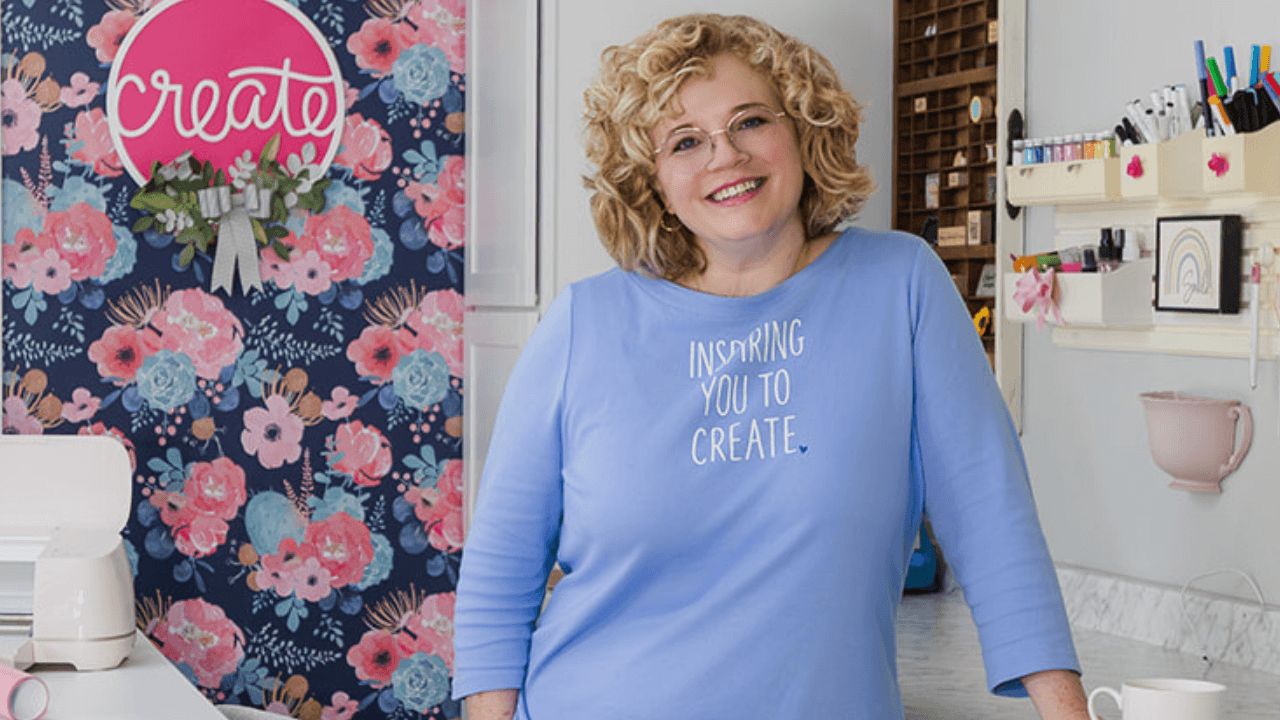
Want to know how to sell on social media without being glued to your desk for every post (and every dollar)? My friend Chelly Ontis has been marketing small businesses since before Y2K, and her answer starts with a very simple decision: choosing the ONE platform that deserves your effort.
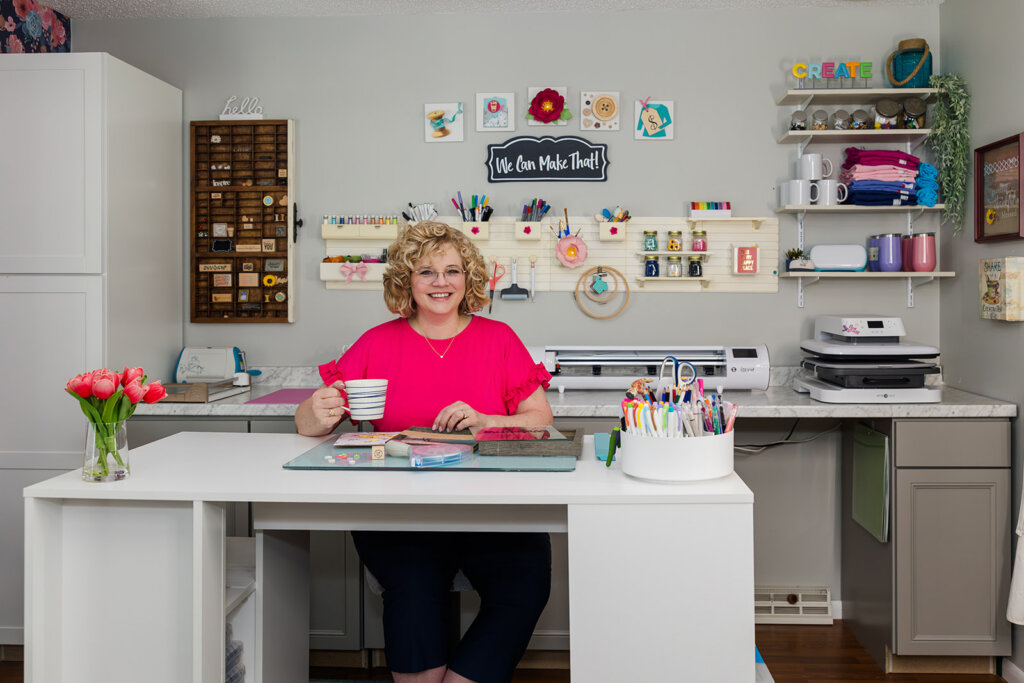
Chelly is the founder of We Can Make That, an entrepreneur since 1996, the creator of the Simplify and Scale Marketing System, and the author of the Small Business Marketing Planner. She ran a graphic design and marketing studio for years (nonprofits, education clients, and mom-and-pop shops) before building her craft brand, and today she helps makers and artisans use simple marketing that sells. She’s also become one of my closest internet friends – we have a monthly catch-up that never goes where we expect – which is why this conversation wanders into giraffe videos and floofy hair at least once 😅
In this episode, we’re getting into how to pick your platform, why likes don’t pay the bills, how Chelly uses Claude to handle the repetitive parts of her social media, and how she keeps every channel organized. It’s for solopreneurs and small-shop owners who write their own posts (or have a small team helping), whether you sell handmade products, sell services, or run a brick-and-mortar shop.
What’s inside?
- How to choose the social media platform that brings in sales, even when it isn’t the one you love scrolling
- How Chelly uses Claude to find which of her repeat posts are thriving (and which are bombing) to keep her Facebook group active
- The outdated homepage banner AI caught that she’d looked past for ages
- What happened when she gave AI her YouTube channel and her ideal client details and asked it to rearrange everything
- The instruction she put in her AI settings so it stops agreeing with every idea she has
- Why “price your worth” leads to disappointment, and what to price instead
- Chelly’s one rule for AI-made graphics, coming from a 30-year graphic designer
- How AI-sorted inboxes are changing who sees your emails
- Why Pinterest is the Google of the creative world, plus the setting that filters AI images out of your feed
- How Chelly keeps every platform organized (after posting the same Groundhog Day meme twice in one day)
Which social media platform should you use to sell to your customers?
Choose the platform your customers already spend time on, even if you prefer another one, and commit to it fully before you add more.
Everybody asks Chelly which platform to pick, and her answer doesn’t change: “Pick the one where your customers are, and if it’s not the one you’re most familiar, well, then figure it out.”
The trap she sees most often is choosing the platform you personally enjoy. As she put it: “If you’re like, ‘I hate Facebook, but all my clients are over there, but I love TikTok,’ and then you’re on TikTok all the time, guess what? You’re gonna be like, ‘Social media doesn’t work for me.’ ‘Cause it’s not working for you.”
The crux of it is: “It needs to work for your customer.”
Chelly’s own audience shows how much the platform shapes what you post. Her team shares a lot of craft tutorials, and on Instagram people want a much more simplified version. “They wanna watch the whole thing in, like, 13 seconds, and that doesn’t help you actually remake it.” Facebook is where her longer tutorials do better, and she sees an age difference in who’s watching there too.
Once you’ve picked, commit to it. “Pick one that you think your customers are on and go all in. [If] you half-ass it, guess what? You’re gonna get half-ass results.”
Why don’t likes on social media turn into sales?
Likes show you got attention. Sales come from posts that tell people exactly what you sell and what they need to know before they buy.
Chelly had the best (and most casually delivered) example of this: “Because I keep asking my mortgage broker, ‘I got, like, 47 likes on this post. How much of that can I apply towards my mortgage?’ And he’s like, ‘Nothing!'”
She built her Simplify and Scale Marketing System around closing that gap, “so that you can figure out what you’re selling, what you want people to have their eyes on, what they need to know, the marketing part, what do they need to know in order for them to buy.”
Then she showed me what that looks like with her own product: “So if I said I had a planner, you might be like, ‘Oh, that’s great, [Chelly].’
“But if I said, ‘I have a planner for small business owners who are doing their own marketing or have a very small team doing their own marketing, and they wanna figure out what they should be posting and when they should be posting it so it gets sales and not likes.'”
The second version tells the right person, in one sentence, that this was made for them. That’s the version that gets someone to click through and buy.
(Chelly DOES have a planner for marketing your small business by the way – I use it myself and love it! You can check out the Small Business Marketing Calendar here *note that’s an affiliate link!*)
How do pricing and positioning affect selling on social media?
Price what your product is worth in the market, then use clear messaging and positioning so buyers understand that value before they click.
We started the episode on mindset, because Chelly sees so many crafters and makers take their own skill for granted. It’s also why I don’t like the “price your worth” advice: “Don’t price your worth. Price the market value, the proper market value for the product you’re producing.”
Chelly put it even more plainly: “I can say it’s worth a million dollars, but that doesn’t mean somebody’s gonna pay a million dollars for it.” Her point is that “you also have to have a brand that helps you price that for what it’s worth, not what you’re worth” – your messaging and positioning do the heavy lifting on social media, because that’s where people decide whether the price makes sense to them.
The flip side matters too. Strong marketing can sell something that’s overpriced, and then people are disappointed when the experience doesn’t match the promise. Chelly says she’s been seeing a “trust recession” everywhere, and it’s a good reminder that whatever your post promises, your product or service has to deliver on the other side.
How can you keep your social media posts selling after you publish them?
Put your best posts on repeat with fresh copy and graphics, check which ones perform, and refresh the weak ones instead of starting from zero.
Chelly estimates that only 3 to 5% of your audience sees a normal post, so publishing something once and moving on means most of your people never see it. Her team uses SmarterQueue to put posts on repeat, and the tool lets her load a few versions of the text and graphics so each repeat looks a little different.
Here’s where AI comes in. Instead of scrolling through old posts herself (and getting lost in a video of a giraffe being born at the zoo 🦒), she asks Claude to review them: “Okay, go look at the repeat post. Which ones are bombing? Which ones are thriving?” Then her team tweaks the copy or graphics on the weak ones, pushes them back out, and shares the strongest ones in her Facebook group.
That group had gone quiet after Meta removed the scheduling tools that let her manage it without being there every minute. Now that she can schedule posts into the group with Claude through her Chrome browser, she’s bringing it back to life, because as she says, “Dead content in a dead group equals more dead.” (And every quiet week keeps telling Meta not to show your stuff to anyone.)
How can AI help you sell on social media without sounding like AI?
Train AI on your business, goals, and voice, tell it to push back on weak ideas, and use it to review and schedule while you make every final call.
I’ll admit I’m the skeptic here. I’d be happy if AI disappeared tomorrow, even if it meant removing backgrounds by hand in Photoshop again (which is REALLY saying something 😂). But Chelly’s approach is worth hearing, because she spent two and a half to three weeks training hers before trusting it with anything.
“If you train your AI to know everything about your business, then it’s gonna help you. But otherwise, if you don’t train it about you and your goals and your voice, it’s gonna sound like AI.”
Because AI tends to agree with whatever you suggest, she added instructions to her settings that describe it as her high-level business marketing coach and tell it, “Don’t agree with me unless you really do think this is a good idea.” She even wrote in “I love it when you call me out,” so that pushing back is how it makes her happy. When it does call her out, she decides whether the idea fits right now or goes in a basket to come back to later. As she says, “AI can’t work without a human.”
She’s used that setup to audit more than her posts. On her website, Claude spotted a homepage banner that still said 2024 while she was promoting 2027 planners. On her YouTube channel, it looked at which videos still get watched, added links to them, and used her ideal client details to choose which videos to pin and feature (while she vacuumed her living room). Nothing goes live until she says yes, and she likes that it asks her twice.
And one rule from her graphic design years: if you use AI to make graphics, keep the words on the image to a minimum and put the rest in the caption, unless you’re printing an actual flyer to hang up somewhere.
How does Pinterest help small businesses sell on social media?
Pinterest works like a search engine for creative businesses, so your pins keep getting found long after you post them, the way Google results do.
Chelly’s pairing is simple: pick one social platform, then either get really good at Google so your website shows up in searches, or get really good at Pinterest. “I feel like Pinterest is the Google SEO of the creative world.”
If you’ve stopped using Pinterest because your feed filled up with AI images, she has good news. There’s a setting that filters AI content out of your feed. Some still gets through, but as of our recording on November 12, 2026, you can turn most of it off.
If your customers go looking for ideas, projects, or inspiration before they buy, Pinterest is worth testing as your search partner.
Why do email and your website still matter when you sell on social media?
Your website and email list belong to you, and the skill behind a great subject line (grabbing attention fast) is the same one that makes social media hooks work.
If every social platform disappeared tomorrow, Chelly would go back to her website and blog, where conversations with her crafting friends felt more personal. For me, it’s always been website and email. That’s all I’ve ever needed, and I’ve never focused on social media.
Email also teaches you a lot about social: “If you understand how to write a subject line, you understand how to capture attention, and if you understand how to capture attention, that’s really what you need to make social media hooks work.”
Email is changing, though. Inboxes are starting to sort messages based on what you tend to open, which means “you can be the best email marketer in the world, if you don’t have brand buy-in, people are not going to see your emails in the future.” Social media that builds that buy-in helps your emails get seen too.
How do you stay organized when you sell on more than one social media platform?
Use a scheduler for posting and a planner that maps what you’re selling each month, so you always know what to post and where it goes.
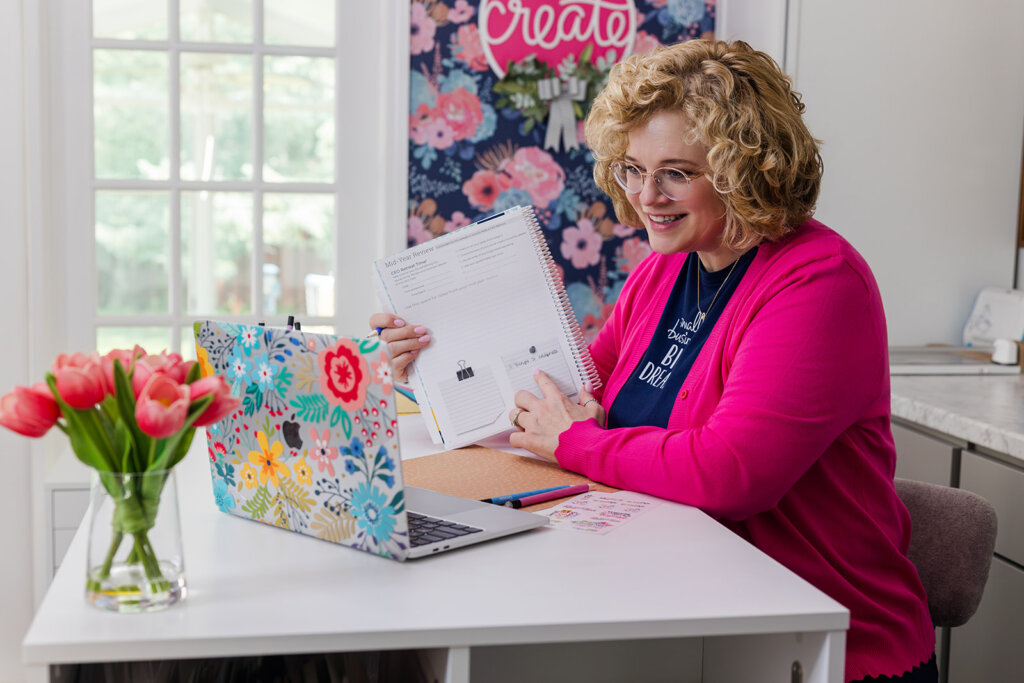
Chelly shows up on Instagram, Facebook (plus her group), Pinterest, YouTube, and TikTok, with email going out too. She keeps it straight with SmarterQueue for scheduling and her own planner for the plan behind it.
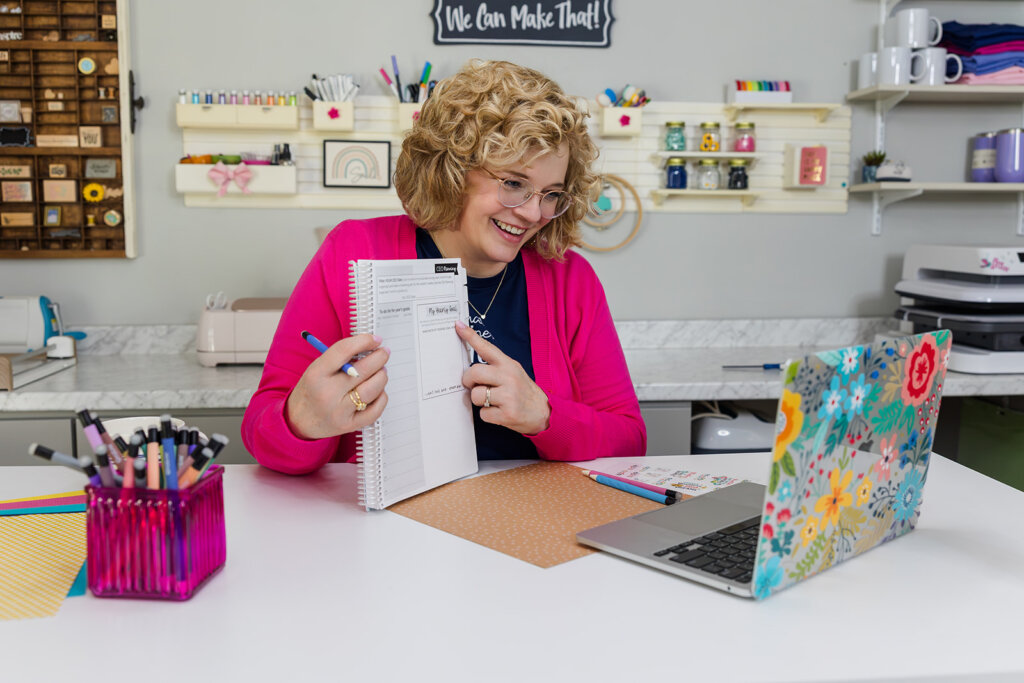
The planner exists because of a Groundhog Day meme. She scheduled it, forgot, saw it was Groundhog Day, posted it again, and realized she’d shared the same thing twice in one day 😂 So she built the Small Business Marketing Planner (full transparency: I’m an affiliate). It’s undated, with a monthly view, about 19 to 20 worksheets to help you figure out what to focus on, and a marketing panel on every day, including Saturday and Sunday for weekend warriors. It also comes with a course that walks through every section, all for $57.
A checklist for selling on social media this month
- Write down what you’re selling this month and what someone needs to know before they buy it.
- Choose the one platform your customers use most, and commit to it for the month.
- Pick Google or Pinterest as your search partner, and point those posts back to your website.
- Write each post for one specific person, saying who it’s for and what it helps them do.
- Put your best posts on repeat, with a few versions of the copy and graphics.
- Once a month, review which repeat posts are thriving and which are bombing (AI can do the first pass), then refresh the weak ones.
- Give your AI tool written instructions about your business, goals, and voice, plus permission to push back.
- Check your homepage banners and pinned content for anything outdated.
- Keep the words on your graphics short and put the details in the caption.
If you’d like a gentler approach to showing up consistently, read how Devin Brinkley approaches social media visibility without burnout. And for the days you’d rather not lean on social media for every sale, here’s how to build visibility to make sales without relying on social media.
Frequently asked questions about how to sell on social media
How do I sell on social media as a small business?
Start with the one platform your customers already use and commit to it. Make every post specific about what you sell and who it’s for, so people know what they need to buy. Reuse the posts that perform, refresh the ones that don’t, and pair your platform with Google or Pinterest so new customers can find you.
Which social media platform is best for selling?
The best platform is the one your customers spend time on, even if it isn’t your favorite. Chelly Ontis has seen business owners decide social media doesn’t work because they posted where they enjoyed being instead of where their buyers were. Look at where your current customers already hang out, then go all in there.
Should my business be on every social media platform?
You don’t need to be everywhere to sell. Chelly recommends picking one platform your customers use and going all in, because a half-effort on several platforms gets half the results. Pair that one platform with Google or Pinterest for search, and add more channels only once you have a system that keeps them organized.
Why don’t likes turn into sales on social media?
Likes measure attention, and they don’t pay the mortgage. Posts that sell name exactly what you’re offering, who it’s for, and what someone needs to know before buying. A vague post (“I have a planner”) gets a nice reaction, while a specific one tells the right person this was made for them and gives them a reason to buy.
Can I use AI to manage my social media?
Yes, if you train it first. Chelly spent a few weeks teaching Claude about her business, goals, and voice, and told it to push back instead of agreeing with everything. She uses it to review which repeat posts are performing, schedule posts, and audit her website and YouTube channel, and she approves everything before it goes live.
Is Pinterest good for selling products?
Pinterest can work well for creative and product-based businesses because it behaves like a search engine. Chelly calls it the Google SEO of the creative world: pins keep getting found long after you publish them. If your customers search for ideas or projects before they buy, it’s worth testing as your search partner.
How to sell on social media summarized
- Pick the platform your customers use, even if it isn’t your favorite, and go all in
- Write posts that say exactly what you sell and who it’s for, since likes alone don’t turn into sales
- Price what your product is worth in the market, and let your messaging show that value
- Put your best posts on repeat and refresh the ones that aren’t working
- Train AI on your business and voice, give it permission to push back, and keep the final say
- Pair your social platform with Google or Pinterest so people can find you through search
- Keep your website and email list strong, since they’re yours no matter what the platforms do
- Use a scheduler and a planner so you always know what to post and where
There’s plenty more in the full conversation, including what email was like when Chelly started (you couldn’t even attach a file) and what she thinks makes her a good leader.

About Chelly Ontis
Chelly Ontis is the founder of We Can Make That®. An entrepreneur since 1996, she created the Simplify and Scale Marketing System and published the Small Business Marketing Planner. She helps makers and artisans use simple marketing that sells, and runs the monthly Creative Business Club for craft business owners.
Connect with Chelly:
- Follow @wecanmakethat on Instagram
- Follow We Can Make That on Facebook
- On the web: wecanmakethat.me
- Grab Chelly’s Small Business Marketing Planner (affiliate link), which comes with a marketing course
Every guest on Her CEO Growth is a member of The Visionaries Collective. Members can apply to be a guest on the show, speak at our Roundtables, and lead trainings for the community, so if you’d like your story and expertise featured here too, we’d love to have you join us.